Get DIoTY's mobile app for your IoT project.
First things first: To get started with the DIoTY app you'll need a DIoTY.co account. If you're not yet registered you can do so by signing in at the top of this page - the app uses the same Google sign-in.
If you haven't yet done so, it's now time to download the app from the Play Store:

Using the app is straight forward:
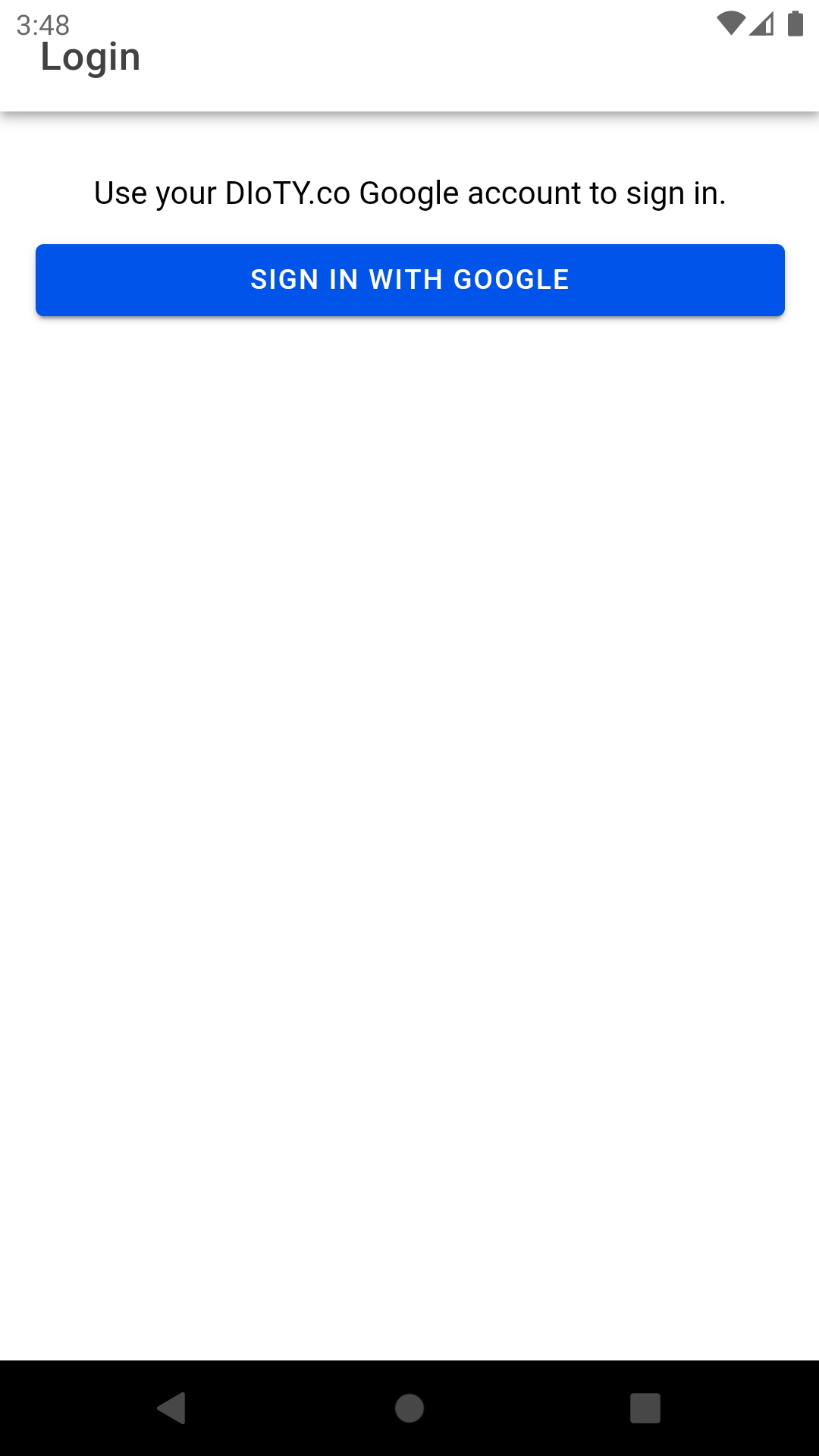
Step 1: Log in:
Sign in with the same Google account you use on dioty.co - no separate app password to remember.
Step 2: Add your things:
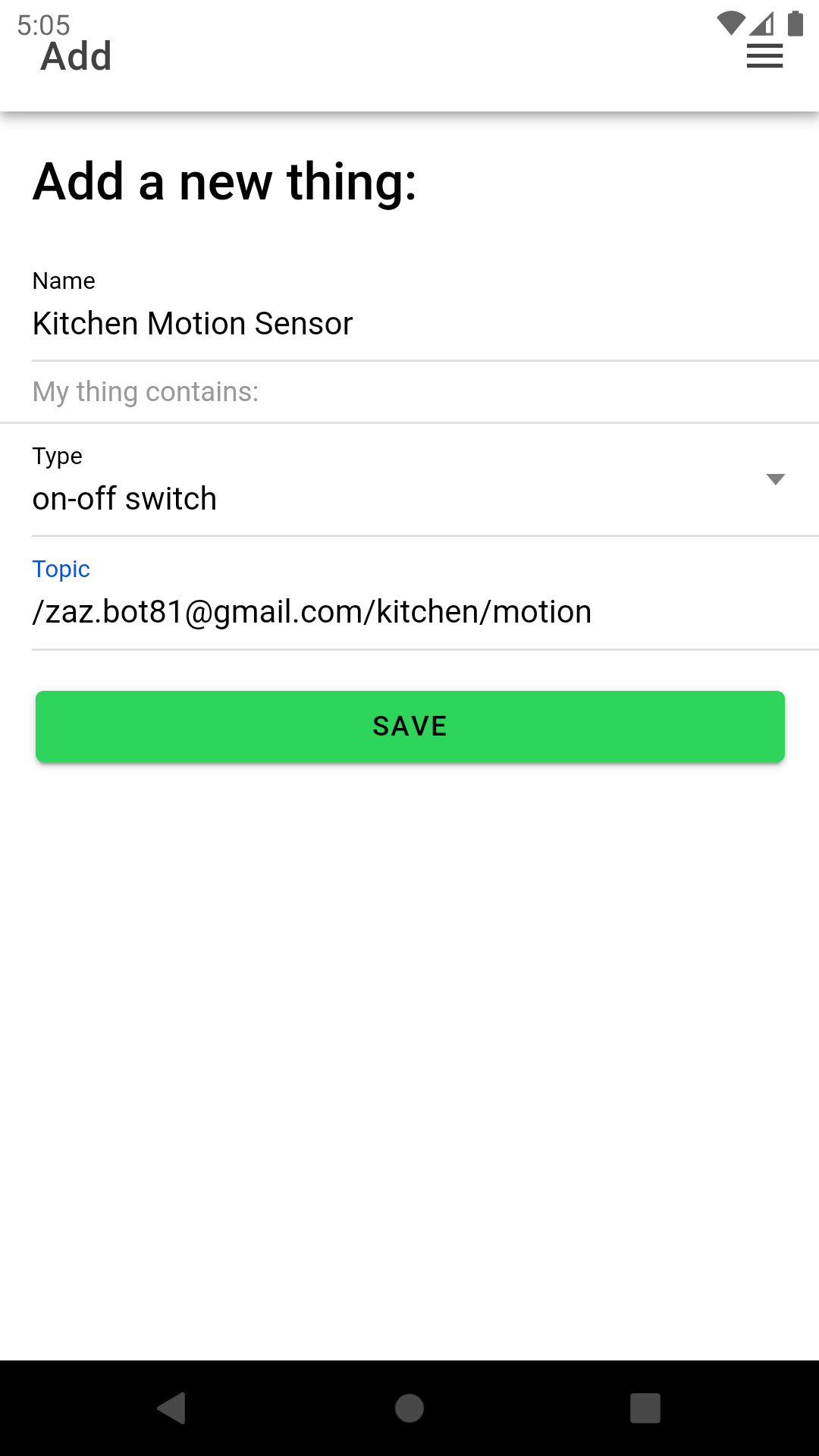
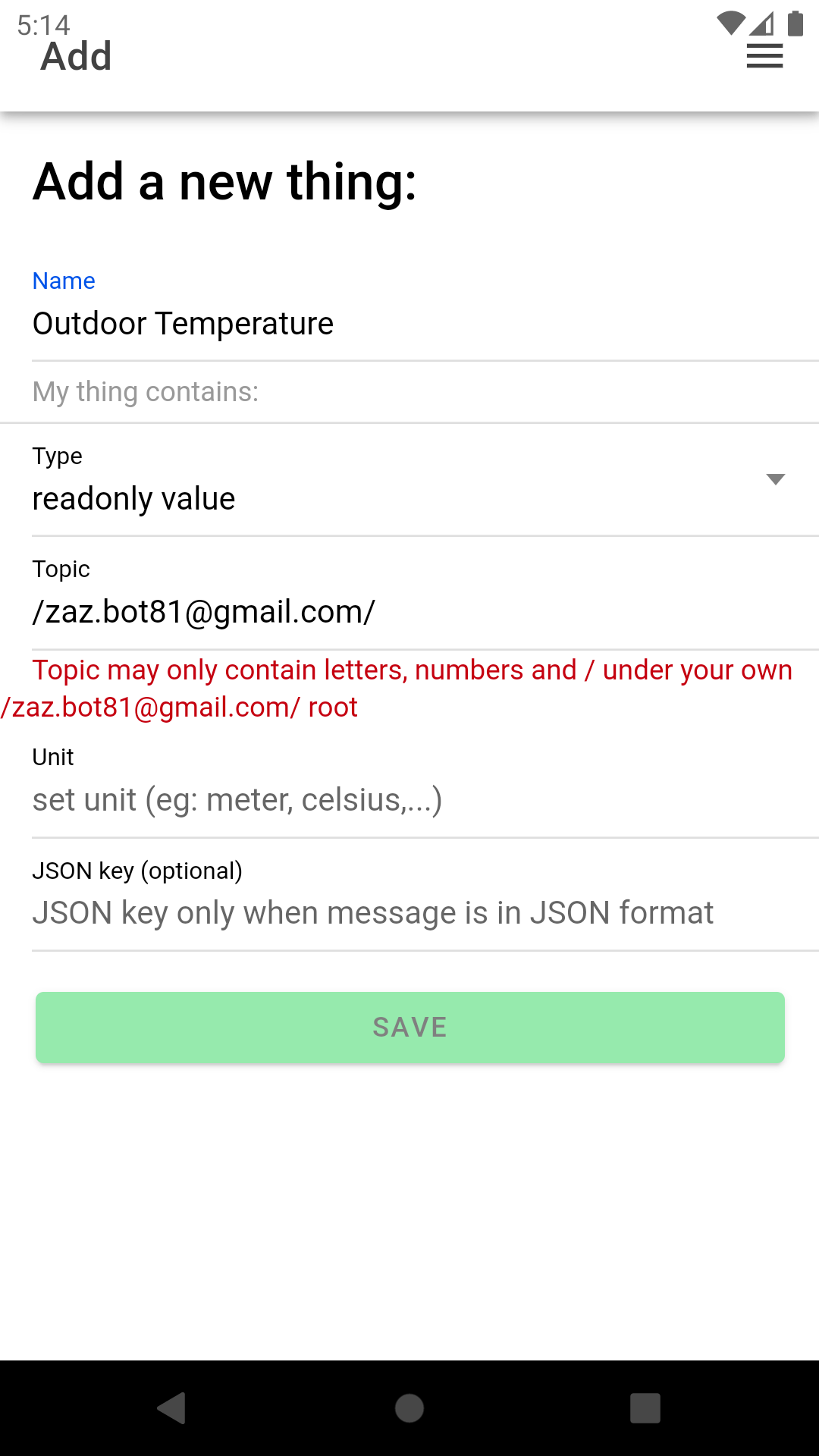
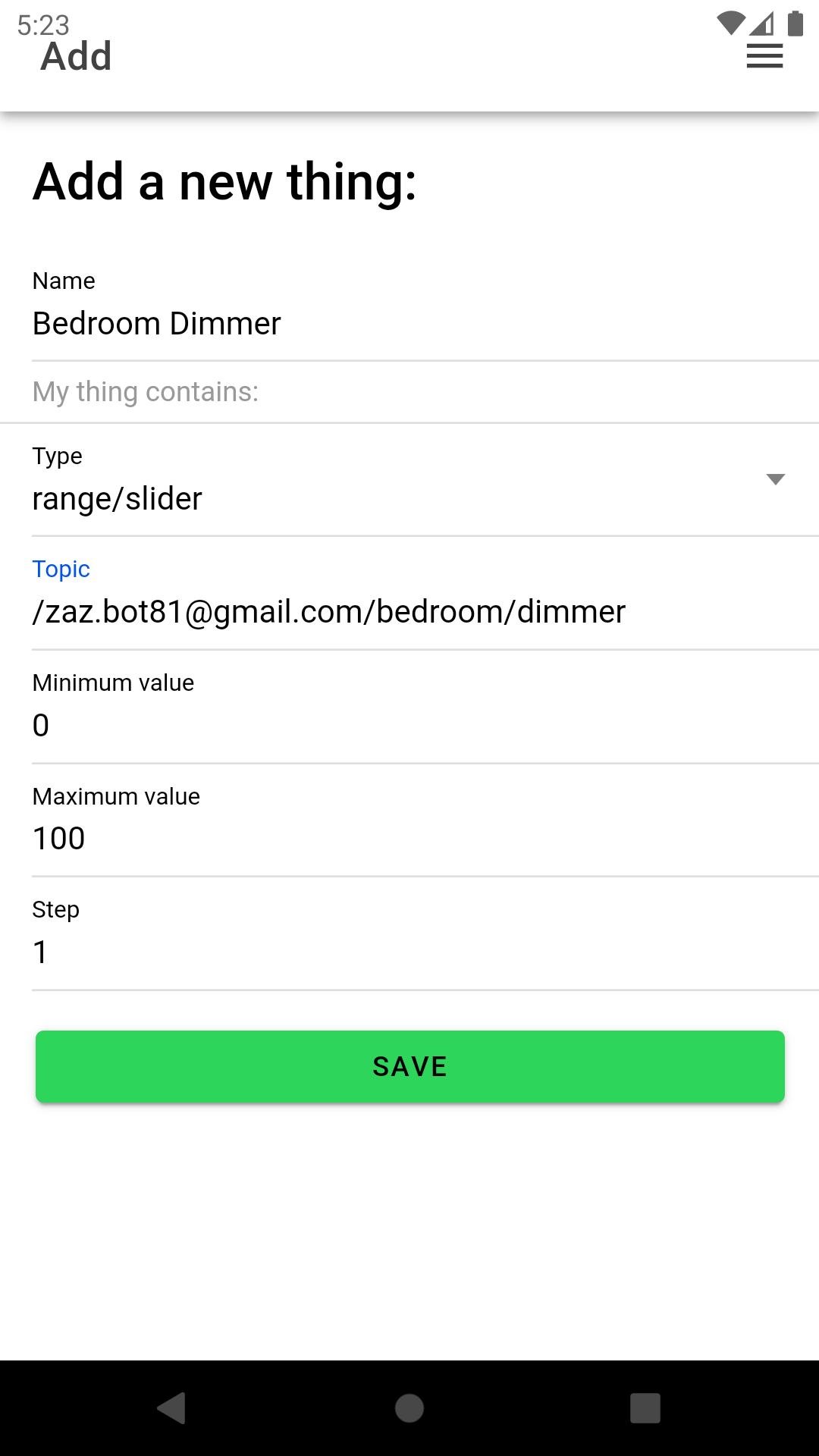
First give a name to your thing
Next choose between one of the options:
- On-Off will create a toggle button
- Readonly is to display a sensor value
- Range/Slider will create a slider (eg: for a dimmer or thermostat)
Once you made your choice you will be presented with the additional fields required.
The Topic is your MQTT topic to publish/subscribe to and should also be used by your thing.
Other fields speak for them self. Note that the step in the slider can be a decimal value (eg: when you have a thermostat that accepts half degrees use 0.5 for the step).
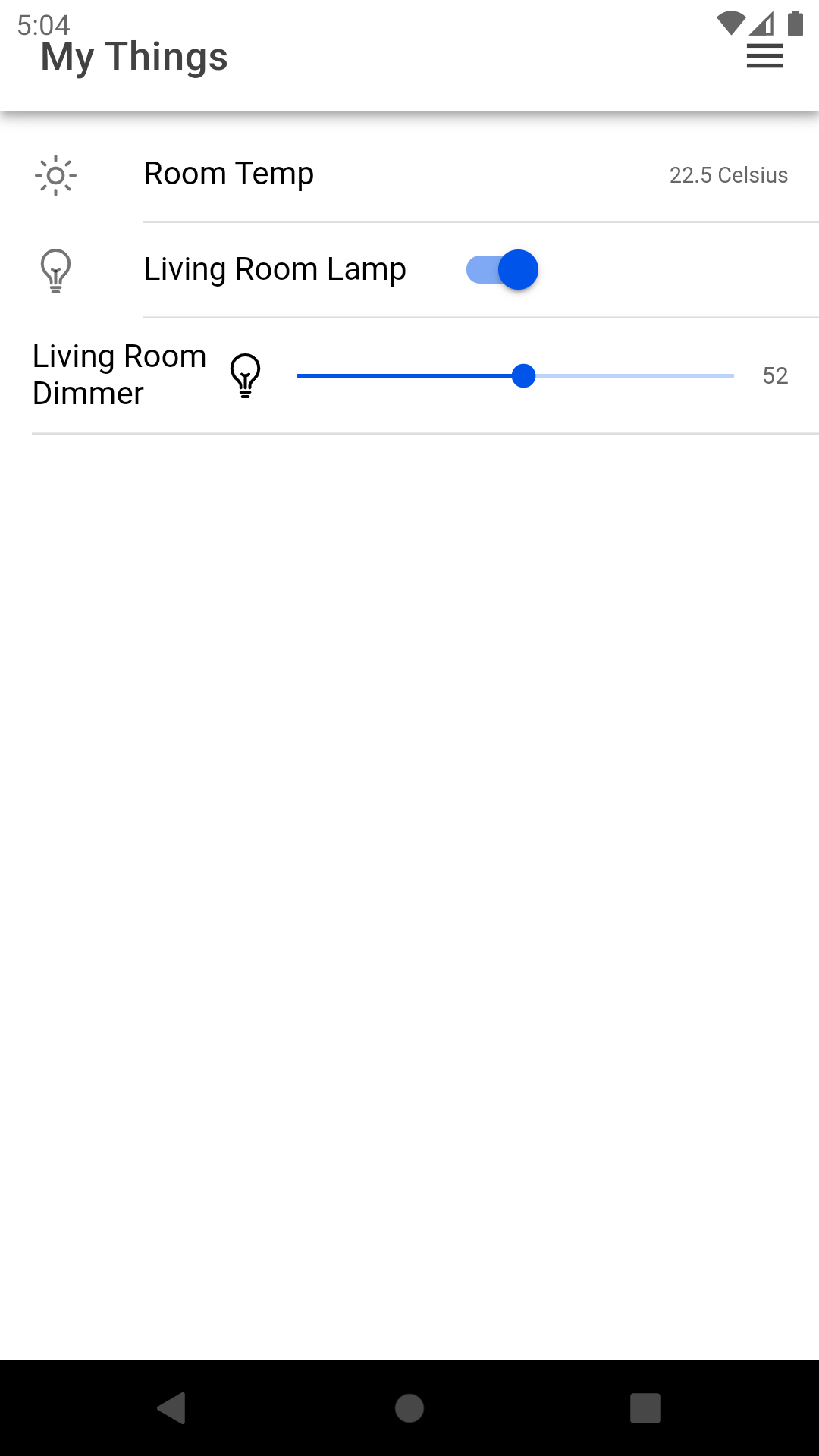
Step 3: Enjoy your app!
Navigate to Things and see what you've just created.
Note that you can edit your things by sliding them to the left. The edit screen also gives you the option to remove unwanted things.
DIoTY app may loose it's subscription while it is in the background. When you bring the app back in the foreground pull down to refresh the subscription. Whilst in the foreground, you will no longer need to pull to refresh, published sensor values will automatically update.
We welcome suggestions for improvements, so let us hear from you and send us an email.
And finally: show us your appreciation and rate us on the Play Store!